How to Check If Your Louisiana Street Is Under a Boil Advisory
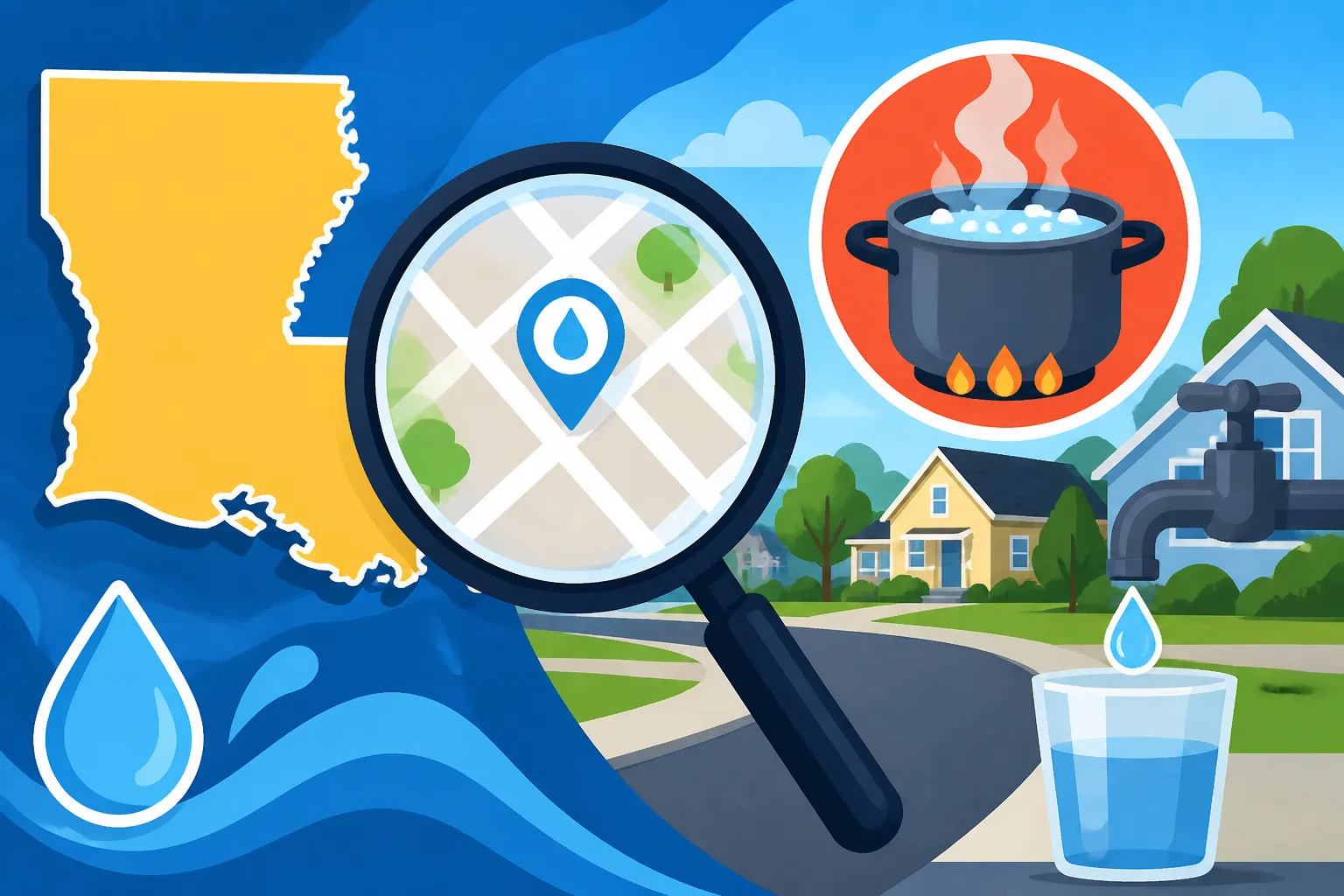
A boil advisory can leave you unsure whether your address is included, especially when a notice names a broad area instead of your street. The safest approach is to check an official notice, compare its affected-area details with your exact location, and confirm any uncertainty with the water provider. Here is how to work through that check without relying on a neighbor’s post or an outdated alert.
Check an official notice first
Start with an official source rather than a search-engine snippet, social media post, or forwarded message. Look for current information from the water provider serving your address and Louisiana’s state drinking-water notice resources. For a state database search, Using Louisiana Drinking Water Watch to Find Active Boil Notices explains how to find notices there.
If you are not sure which provider serves your home, check a recent water bill, lease paperwork, closing documents, or the provider’s official website. The provider name can differ from the city or community name people use in conversation. That matters because a street near a city boundary may receive water from a different system than a nearby street with a familiar city address.
Use the exact street address when you search, not only the city or ZIP code. If a search tool does not accept an address, search by the provider or public water system name, then review the notice details for the affected location. A notice can describe an area by streets, subdivisions, service zones, landmarks, or a map rather than listing every address individually.
Check that the notice is current and applies to the provider serving your home. A saved screenshot may omit later updates, and a post can continue circulating after the situation changes. If a page shows an advisory but does not make its current status clear, look for a newer notice from the provider or state resource, or contact the provider using the contact details on its official website.
A practical first-pass check looks like this:
- Identify the provider that serves your address.
- Open an official provider or state notice page.
- Search for the provider, system, community, street, or neighborhood named in the alert.
- Open the full notice rather than relying on a short search result.
- Compare the notice’s affected-area description with your exact address.
- If the boundary is still uncertain, ask the provider to confirm whether your address is included.
| Where you check | Best use | What to verify |
|---|---|---|
| Water provider’s official website | Finding notices and provider updates | Provider name, affected area, current status, and any updated instructions |
| Louisiana drinking-water notice resource | Searching for state-listed notices | The system or notice that matches your provider and location |
| Notice details or comments | Understanding a boundary that is not obvious from the headline | Streets, neighborhoods, landmarks, or other area descriptions |
| Provider contact information on its official website | Resolving an address-level question | Whether your exact address is included and whether the notice has changed |
The table is a way to organize the search, not a guarantee that every source displays the same information in the same format. If two official pages appear inconsistent, do not guess which one applies. Contact the provider and ask about the address directly.
Find the notice for the right water system
A Louisiana street name by itself may not identify the water system serving a home. Similar street names can appear in different towns, and a mailing address does not always tell you which provider supplies the tap. Start with a source that ties the address to the provider, then use that provider’s name when checking notices.
If the water provider is unfamiliar, a bill is often a straightforward place to look. Renters can ask the property manager or landlord which provider serves the building. People who have recently moved may also find the information in utility setup paperwork. If those options do not settle it, use the provider’s official website to find current contact details and ask which system serves the address.
Be careful with neighborhood names and community labels. A notice may use a subdivision name that residents recognize, while someone searching by city name may not see it immediately. Conversely, a neighborhood can straddle a service boundary, so a nearby address is not proof that your home has the same status.
When searching online, try more than one useful term, such as the provider’s name and the community or street name. Then open the actual notice. A short result may show the system name without the area description that determines whether your street is covered. Finding the Exact Neighborhoods Affected by a Water Advisory Online can help with the broader task of locating and interpreting area descriptions.
You can also check a notice against the provider’s official alert page or announcement. Look for the same system, place, or affected zone, and compare the dates and status shown. If one source names an area and another shows a later update, the newer official information may clarify what has changed. When you cannot tell whether the update replaces or supplements an earlier notice, ask the provider rather than treating the difference as a sign that the advisory has ended.
Do not use a neighboring address as a substitute for checking your own. Two houses on the same road can fall on different sides of a service boundary, and a building may receive water from a provider different from the one serving the closest homes. Treat a neighbor’s notice as a reason to check, not as confirmation that your address is included or excluded.
If you live in an apartment, condominium, or other multi-unit building, check the building’s provider and address. A notice that applies to a building’s water service may affect multiple units, even if an alert or map does not list each unit separately. Ask the property manager or building operator to confirm whether the building is served by the named system. If the answer is unclear, follow up with the provider directly.
A home with a private well is a different case from a home connected to a public water system. A public-system advisory search may not establish the status or safety of a private well. For well-specific questions, use a suitable testing or public-health resource; Louisiana Private Well Testing: What Homeowners Must Know covers the separate steps well owners may need to consider.
Read the Vio ID and Comments section
Some notice searches display a Vio ID. Do not stop at the identifier or at the short result shown beside it. Open the Vio ID and review the notice details, especially the Comments section, because that is where the affected-area description may appear.
According to the Louisiana Department of Health, selecting a Vio ID opens the Comments section for details of the BWA-impacted area. In other words, the result may require one more step before you can tell whether the described area matches your street. For more on using the search tool, see Using Louisiana Drinking Water Watch to Find Active Boil Notices.
When the Comments section opens, read the full description rather than scanning only for your street name. The notice may describe a broader zone or use a nearby landmark, subdivision, road segment, or other location detail. If your exact street is not listed, that alone may not settle the question: the description could define an area that includes it without naming every street.
Write down or copy the provider or system name, the affected-area wording, and any status or update information shown with the notice. These details help if you need to contact the provider. They also make it easier to compare the notice with another official update without relying on memory.
If the Comments section is blank, unclear, or difficult to interpret, do not assume that the advisory covers everywhere served by the system—or that it covers only streets named in the text. The page may not answer your address-level question. Ask the provider to confirm whether the address is within the affected area.
The same caution applies when a notice shows a Vio ID but you cannot open it, or when the available description appears incomplete. Try the official page again, use the provider’s own alert information, and contact the provider if the boundary remains uncertain. Avoid treating a technical display problem as evidence that there is no advisory.
Match the affected area to your exact address
Once you have opened the full notice, compare its description with your home’s location. The aim is not merely to find the same city or neighborhood name. You need to establish whether the boundary described in the notice includes the water service to your address.
Work through the description one detail at a time:
- Provider or system: Does the notice name the provider that serves your home?
- Place name: Does it identify your community, subdivision, or neighborhood?
- Street or road: Does it list your street, a road segment, or nearby cross streets?
- Boundary clues: Does it describe a zone using landmarks or a map?
- Building details: If you live in a multi-unit property, does the notice cover the building’s address or service area?
- Current status: Is the notice still active, or is there an official update that changes the status?
If a map is provided, compare your location with the marked boundary carefully. A map can be useful for orientation, but a small image or approximate boundary may not resolve a property that sits close to an edge. In that situation, ask the provider to verify the address. Do not decide based only on which side of a line your home seems to fall on in a low-resolution screenshot.
Street names can also be abbreviated or written differently in different sources. A notice might use a road name without a suffix, spell out a direction differently, or refer to an intersection instead of listing addresses. Consider the whole description and ask the provider to translate it into an address-level answer if needed.
If the affected area is described by a range of addresses or by a section of a street, compare the beginning and ending points carefully. Do not assume that a notice applies to every home along the entire road if it names only a segment. Likewise, do not assume that an address is excluded just because the notice uses a nearby cross street instead of your house number.
For homes close to a municipal or provider boundary, confirm the serving system before interpreting the map. The nearest provider office, sign, or neighborhood may not be the provider connected to the home’s water line. The address and service-system match are more useful than assumptions based on distance.
If you cannot establish the boundary from the notice, use a direct question when contacting the provider: “Is How Water Systems Must Address Unknown Service Line Records within the area covered by this advisory?” Ask whether there is a current update and what instructions apply at that address. Use the provider’s official website to find current contact details; do not rely on an old contact number copied from an unverified post.
Keep the answer tied to the notice you checked. If the provider confirms that your address is included, follow the instructions in the applicable notice. If the provider confirms that it is outside the area, keep the confirmation with the notice details in case the advisory changes. If the answer is uncertain, treat the uncertainty as unresolved and request clarification rather than interpreting the boundary yourself.
Understand what the advisory means for household use
Finding out whether a street is included is only the first step. If your address is covered, read the full notice to understand what it says to do, which water uses it addresses, and whether the provider has posted an update. Do not rely on a generic rule found elsewhere when the notice gives specific instructions for the affected system.
A boil advisory and other types of water notices can have different meanings and instructions. The notice’s wording matters, including whether it is an advisory or a notice and whether the provider has changed its status. Boil Advisory vs Notice in Louisiana: Why Confirmed Bacteria Matters explains why those terms should not be treated as interchangeable.
If you are looking for the required boiling method, follow the instructions stated in the active notice and consult How Long to Boil Louisiana Tap Water During an Active Advisory. Do not assume a pitcher, refrigerator, or countertop filter is an alternative to the official instruction. Can Home Pitchers or Refrigerator Filters Replace Boiling Water? discusses that specific question.
Pay attention to the people and activities the notice mentions. Instructions can address drinking water, food preparation, or other household uses, and the details should come from the applicable notice rather than a general assumption. Using Tap Water for Cooking and Food Prep Under a Louisiana Notice covers the food-preparation question, while Louisiana Boil Water Advisories and Notices: A Homeowner Guide offers broader context.
A notice may later be updated or lifted. Do not infer that it has ended because water looks, smells, or tastes normal, or because a neighbor says the issue is resolved. Check for a clear official update from the provider or state resource. If you cannot find one, contact the provider and ask what status applies to your address.
After an advisory is lifted, follow any cleanup or flushing instructions given by the provider. The right steps can depend on the notice and household plumbing, so avoid applying a procedure from an unrelated event. For more on this stage, see Flushing Home Pipes and Appliances After a Louisiana Water Advisory.
If a household member has a health question about water use, contact a medical professional or the local health department. A notice search can establish whether an address is covered and what the official instructions say; it is not a substitute for personalized medical advice.
When the search is unclear or sources disagree
A search may not produce a confident answer on the first try. The provider name could be unfamiliar, the area description could use a local landmark, the page could be slow to update, or two official sources could appear to differ. In each case, focus on verifying the address rather than trying to fill gaps with assumptions.
If your street is not named
A missing street name does not automatically show that the address is outside the advisory. The affected area may be described through a neighborhood, service zone, map, or boundary point. Review the full Comments section and any map or later update. If the street still cannot be matched, ask the provider to confirm the address.
If the provider or system name is unfamiliar
Check a recent bill or ask the property manager which provider serves the building. Then search using that system name. A city name in a mailing address is not enough to prove which water provider serves a particular home.
If the search result seems old
Look for a current status or update on an official provider page or state resource. A saved image or copied message may have been shared without later changes. If you cannot tell whether the notice is still active, contact the provider using the current details on its official website.
If a map and written description do not appear to match
Do not choose whichever version seems more convenient. Note the difference and ask the provider whether your exact address is included. A direct address check is more reliable than estimating a boundary from a cropped or unclear map.
If you rent or live in a multi-unit building
Ask the landlord or property manager whether the building is connected to the named system and whether the advisory applies to the building. If you receive no clear answer, contact the provider. Ask about the building’s address rather than only your unit number, since the notice may describe the service area rather than individual apartments.
If you rely on a private well
Do not assume a public-system advisory search answers a private-well question. The two situations use different checks. For well concerns, see Louisiana Private Well Testing: What Homeowners Must Know and seek guidance from an appropriate local health resource when needed.
When contacting a provider, make the question specific. Give the service address, ask whether it is inside the affected boundary, and ask what current instructions apply. If the provider confirms that the address is not included, ask what to watch for if the area or status changes. If the provider cannot confirm, ask where the latest official update will appear.
Keep a note of the page or notice you reviewed and the clarification you received. That can prevent confusion if you need to check again or share accurate information with someone else in the household. If a later official notice changes the affected area or status, use the newer information and confirm any address-level uncertainty again.
Frequently Asked Questions
How can I tell whether my exact Louisiana address is under a boil advisory?
Find the provider serving your address, open the full official notice, and compare its affected-area details with your location. If the notice does not clearly include or exclude the address, ask the provider to verify it.
What does selecting a Vio ID do?
According to the Louisiana Department of Health, selecting a Vio ID opens the Comments section for details of the BWA-impacted area. Read that section to check whether the notice’s location description matches your street.
Is my street safe to use if it is not listed by name?
Not necessarily. The notice may describe the affected area by neighborhood, boundary, map, or landmark rather than listing every street. Review the full description and contact the provider if you cannot place your address.
Can I rely on a neighbor’s message or a social media post?
Use an informal message as a prompt to check, not as confirmation. Verify the provider, affected area, and current status through an official source.
What should I do if the notice page and provider information conflict?
Do not guess which source controls your address. Contact the provider through its official website, give the exact service address, and ask which current instruction applies.
Sources
- Louisiana Department of Health — Boil Water Advisory | Louisiana Department of Health (checked November 14, 2026)
Disclaimer
This article is for general informational purposes only and does not constitute professional advice. Laws, prices and regulations vary by location and change over time. Consult a qualified professional for guidance on your specific situation. Louisiana Water Guide is not a government agency or water utility and is not affiliated with any public water system.